Install myPotential with TestFlight
TestFlight is Apple's app for trying early versions of iPhone apps. You only need to set it up once. After that, you can use it to install myPotential and receive new beta versions.
Open the invitation
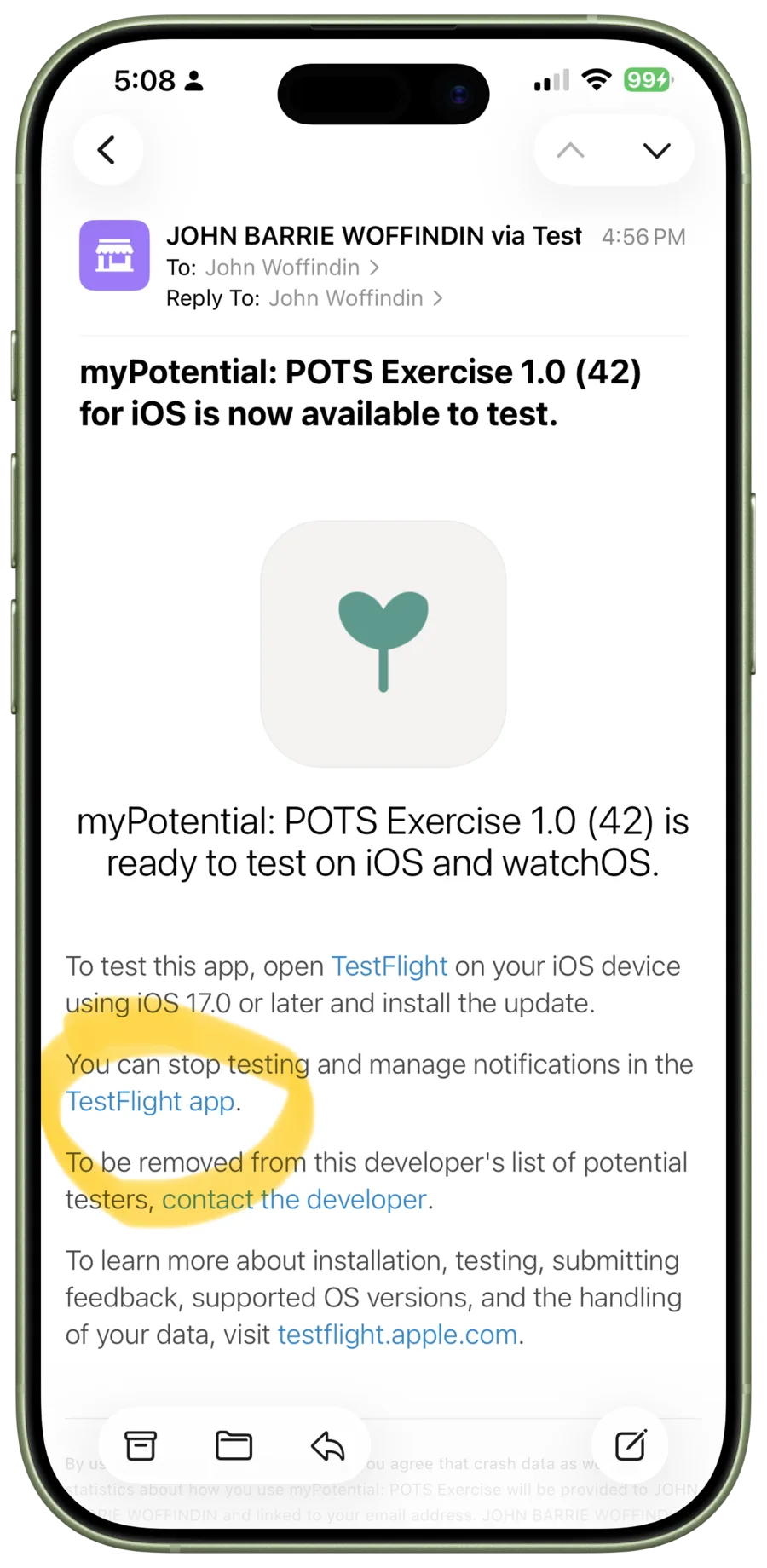
- Once your request has been approved, Apple sends a TestFlight invitation to your email address.
- Open that invitation on your iPhone and tap its TestFlight link. If it has not arrived after an hour, check your spam folder, then contact John.
Set up TestFlight
If TestFlight is not already on your iPhone, the link opens the App Store. Install Apple's free TestFlight app, then return to the invitation email and tap the link again.
If you already have TestFlight, it opens straight away and shows the myPotential page.
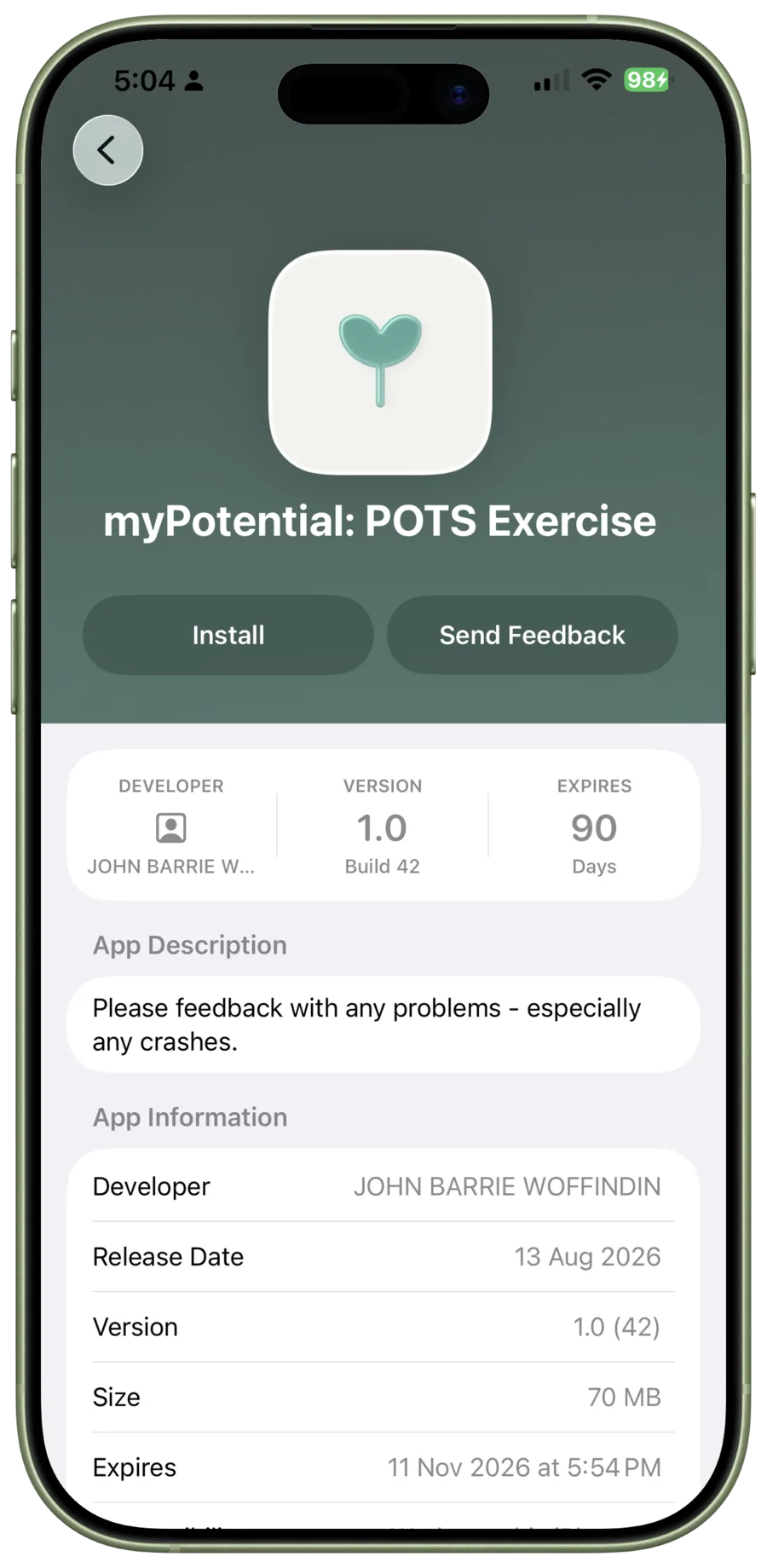
Install and open myPotential
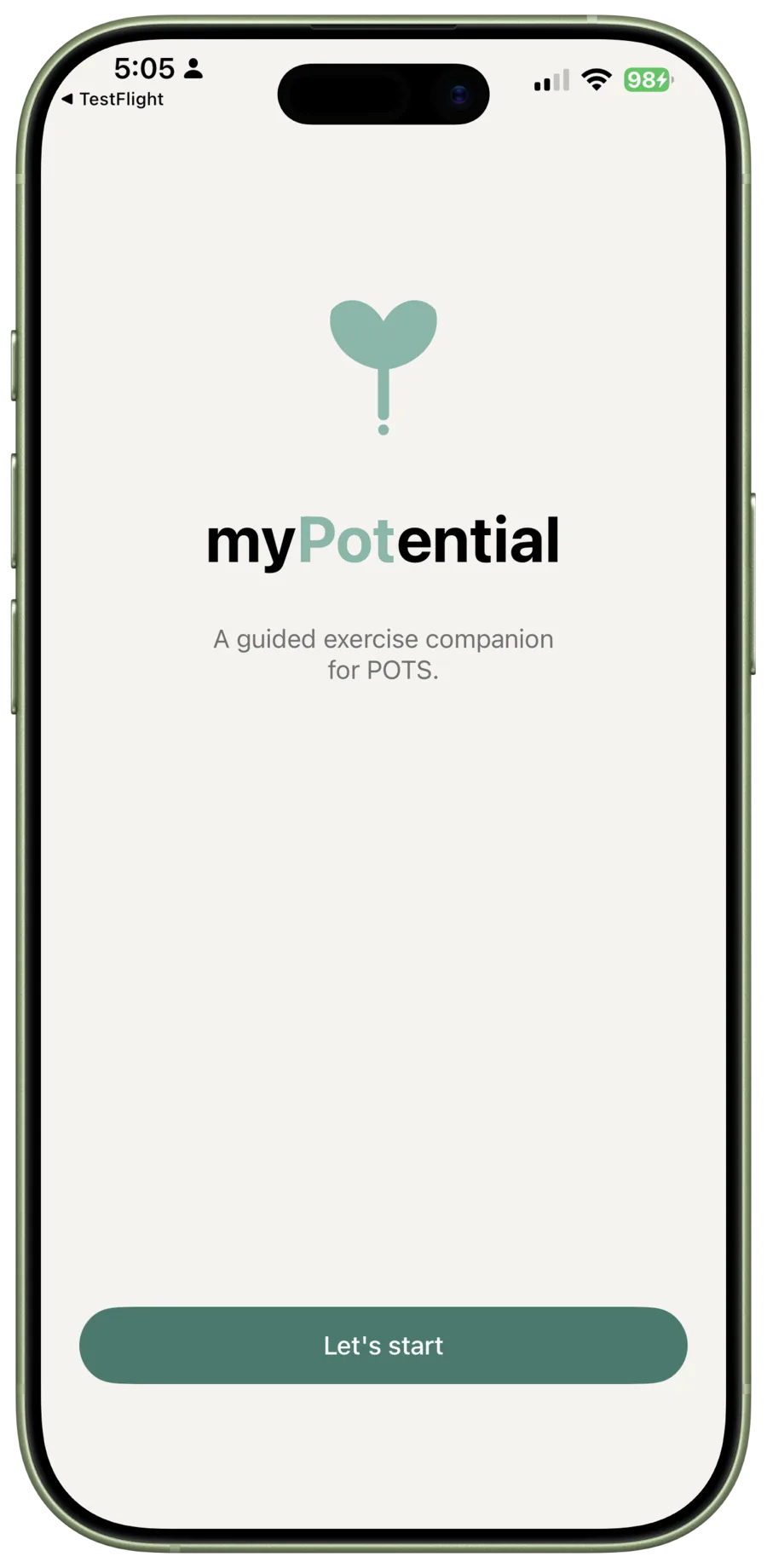
On the myPotential page above, tap Install and wait for the download to finish. The button changes to Open when the app is ready. Tap Open to begin setup in myPotential. On the welcome screen, tap Let's Start.
Next: set up myPotential
Continue to Getting Started with myPotential to complete app setup and learn what you will need for your first session.
If a link will not open, or anything looks different on your iPhone, email John or visit Support. Including a screenshot of what you see can help explain the problem.