Cardio sessions
Cardio sessions take you through the scheduled phases for the equipment you choose. Before the workout begins, complete the readiness check-in, choose the available equipment, and check that the heart-rate panel shows a live reading.
HR zone pacing
On the cardio workout screen, HR zone pacing decides whether timing waits for your heart rate to reach the target range. It is on by default for phases with a target range.
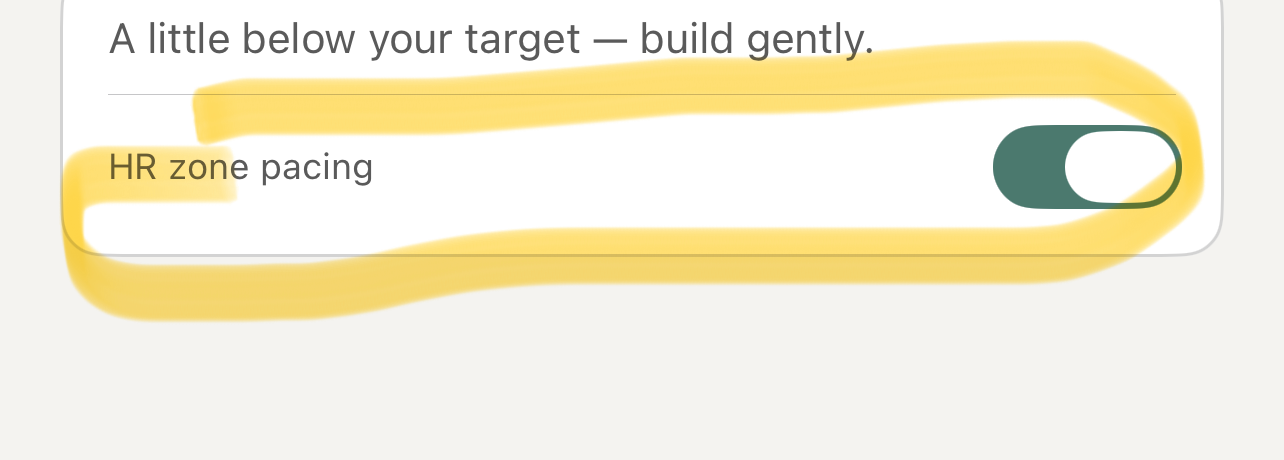
When it is on, the timer waits until your heart rate reaches that phase's range. It gives you time to build gradually instead of running the phase while you are still below target.
If you turn HR zone pacing off, timing starts immediately. Turning it on again does not stop a phase that has already started. Discuss changes to target-range pacing with your doctor.
The app shows whether your heart rate is below, in, or above the target range. It can also give audio or haptic pacing cues. These are exercise prompts, not clinical alerts.
If the heart-rate signal is lost
If a cardio workout loses its heart-rate signal, it pauses. Check the fit and connection of your watch, AirPods, or Bluetooth monitor. Wait for a current reading before you continue.
For help connecting a source, see Heart-rate monitors. To change the target ranges themselves, see Set custom heart-rate ranges.
End a session early
Tap End at the top of the workout if you need to leave early. Choose Back to workout to return to the session, Abandon workout to discard it and return to the home screen, or Complete workout to finish and open the summary.
On the summary screen, you can choose how you feel and add an optional note. Tap Complete to finish the session and return to the home screen.