Getting Started with myPotential
After installing myPotential, complete the short setup flow. It introduces the app, asks for the permissions it needs, and takes you to your dashboard.
Begin setup
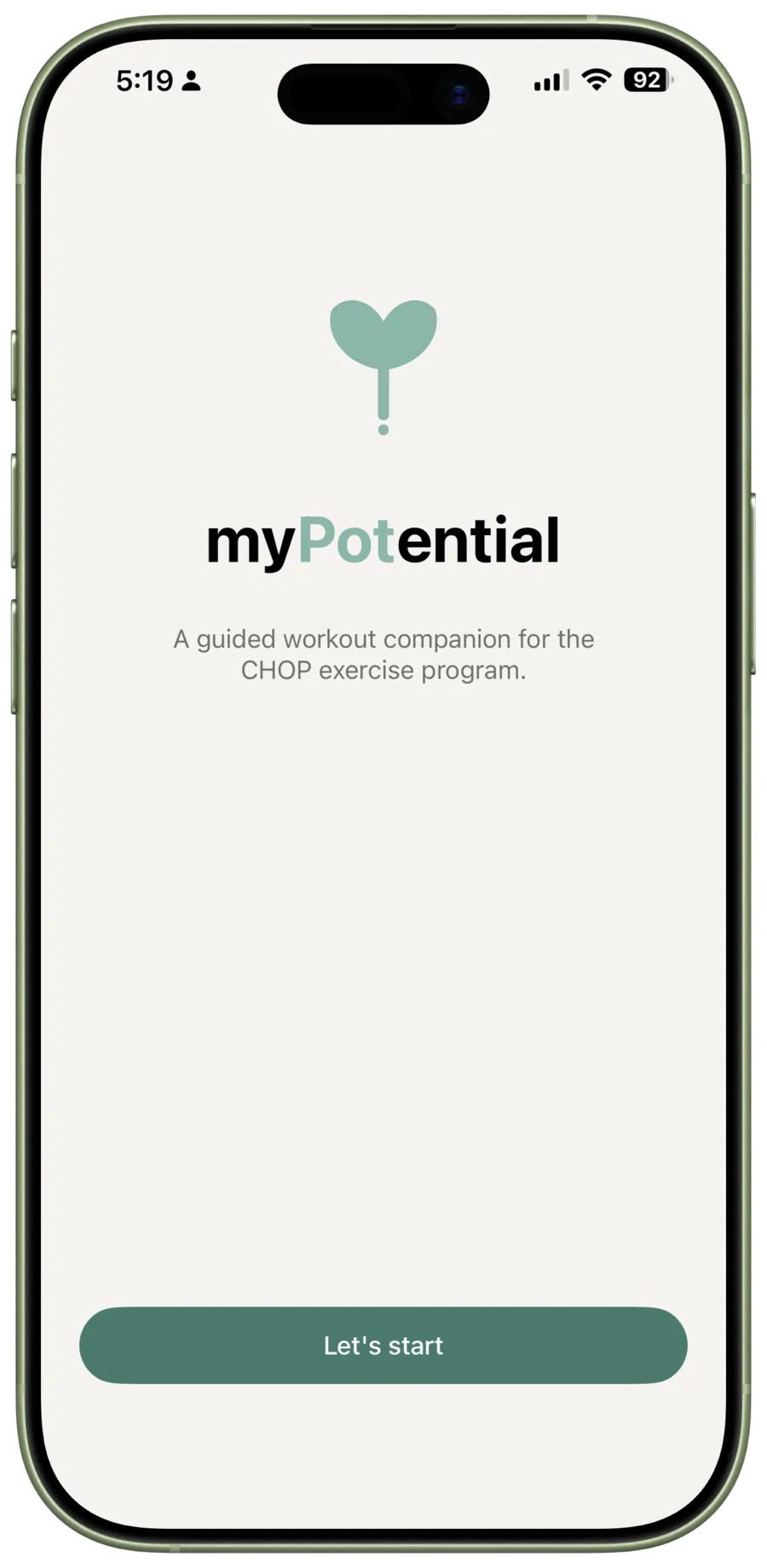
Open myPotential and tap Let's Start.
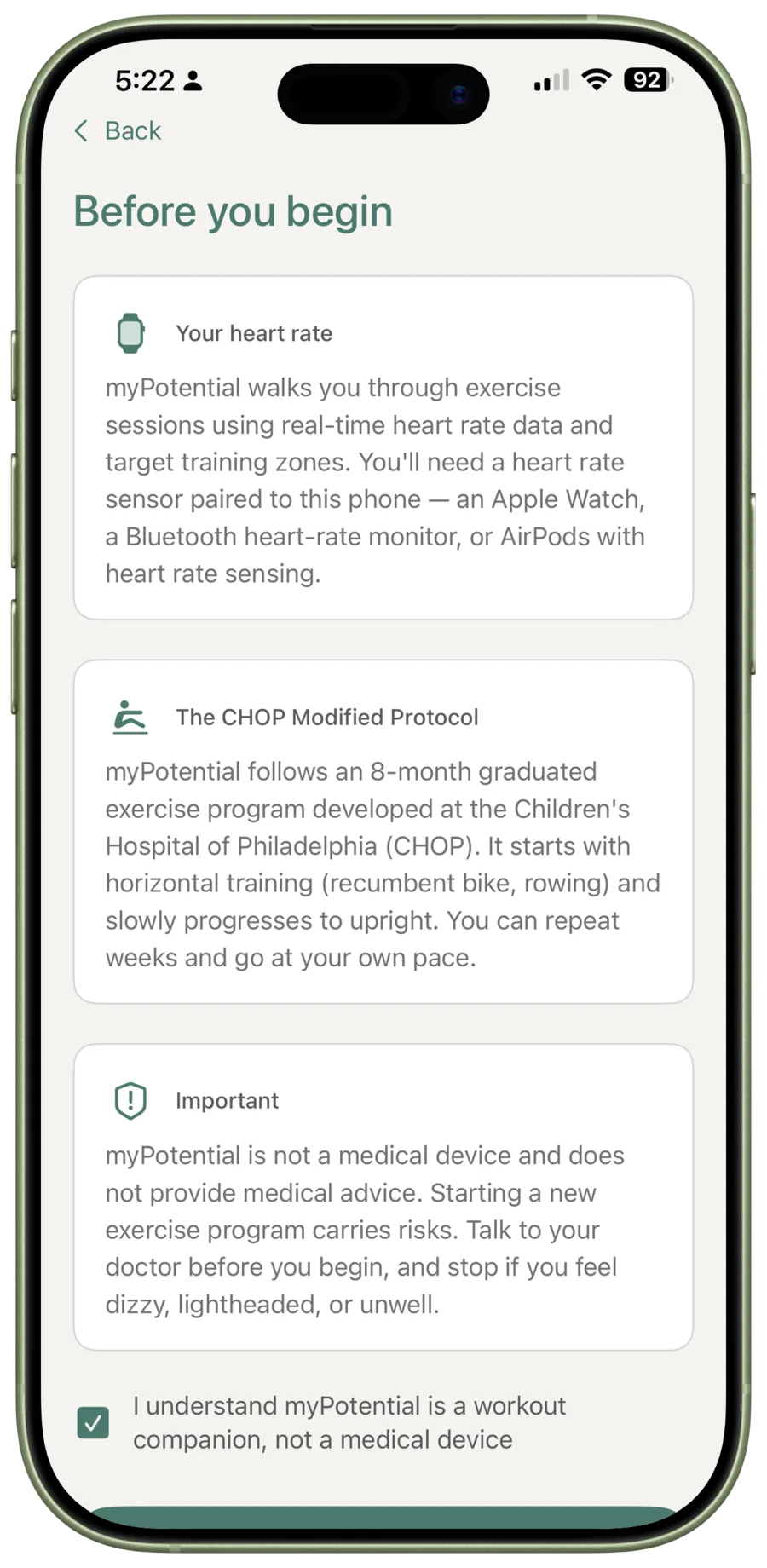
Read and acknowledge the important information
The next screen explains how myPotential uses heart-rate information and introduces the CHOP Exercise Program. Read the information, tick the acknowledgement, then tap I understand to continue.
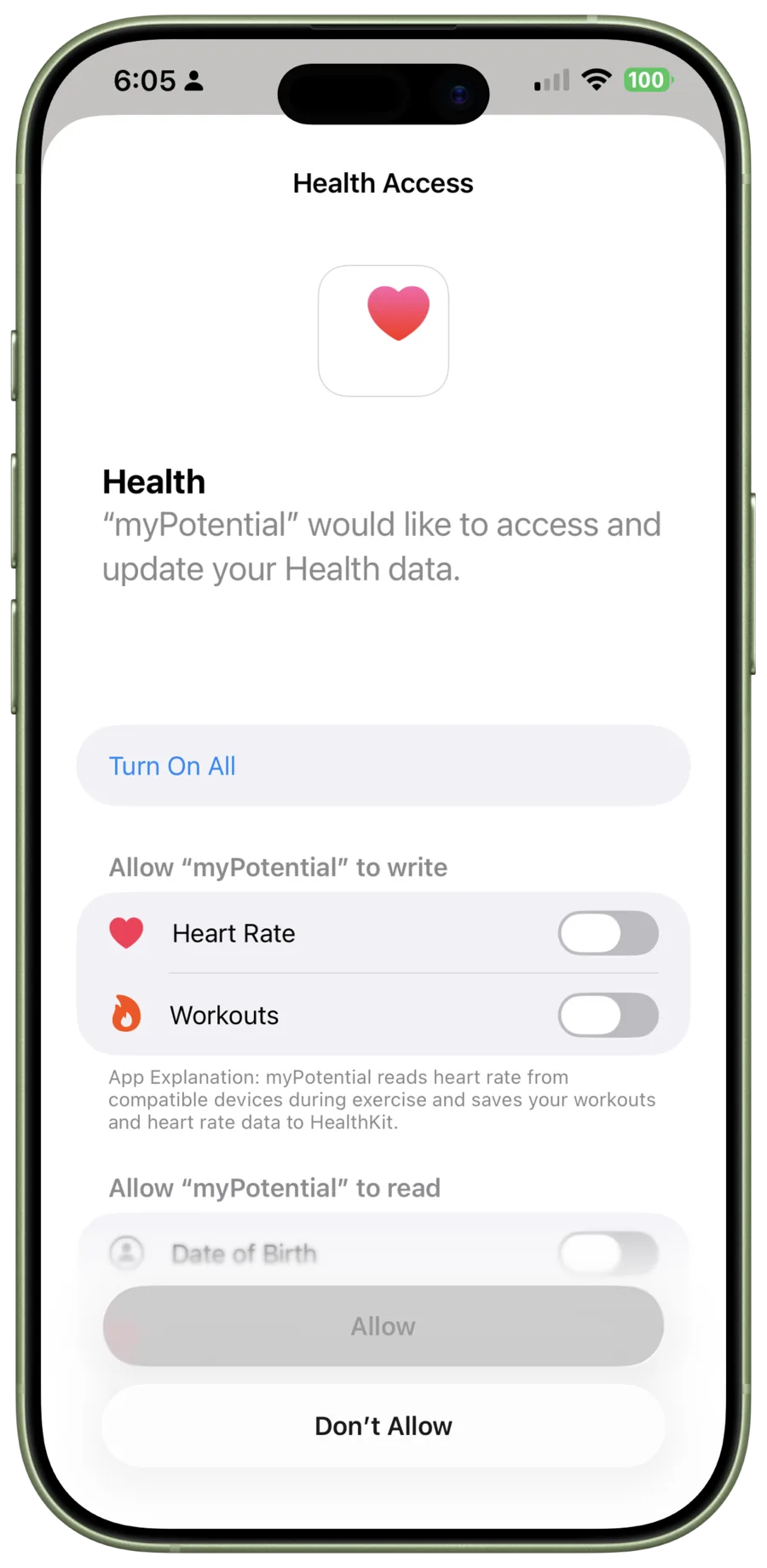
Allow Health access
When iPhone asks for Health access, turn on the options myPotential shows, then tap Allow. This lets the app use the heart-rate information and workouts it needs during a session.
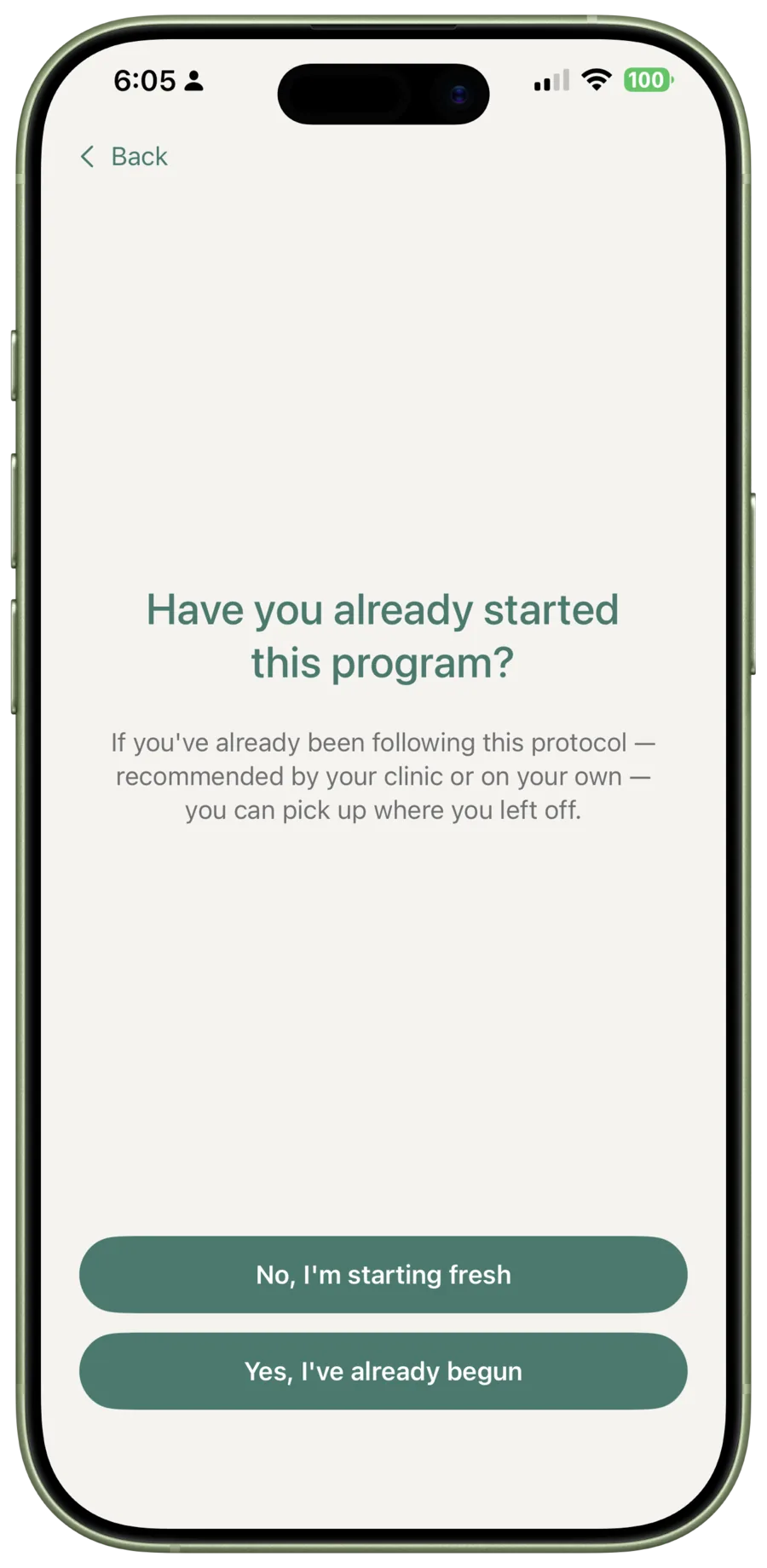
Choose where to begin
Tell myPotential whether you are starting the programme fresh or have already begun it. If you have already started, choose the week and day that match your current place.
Confirm exercise clearance
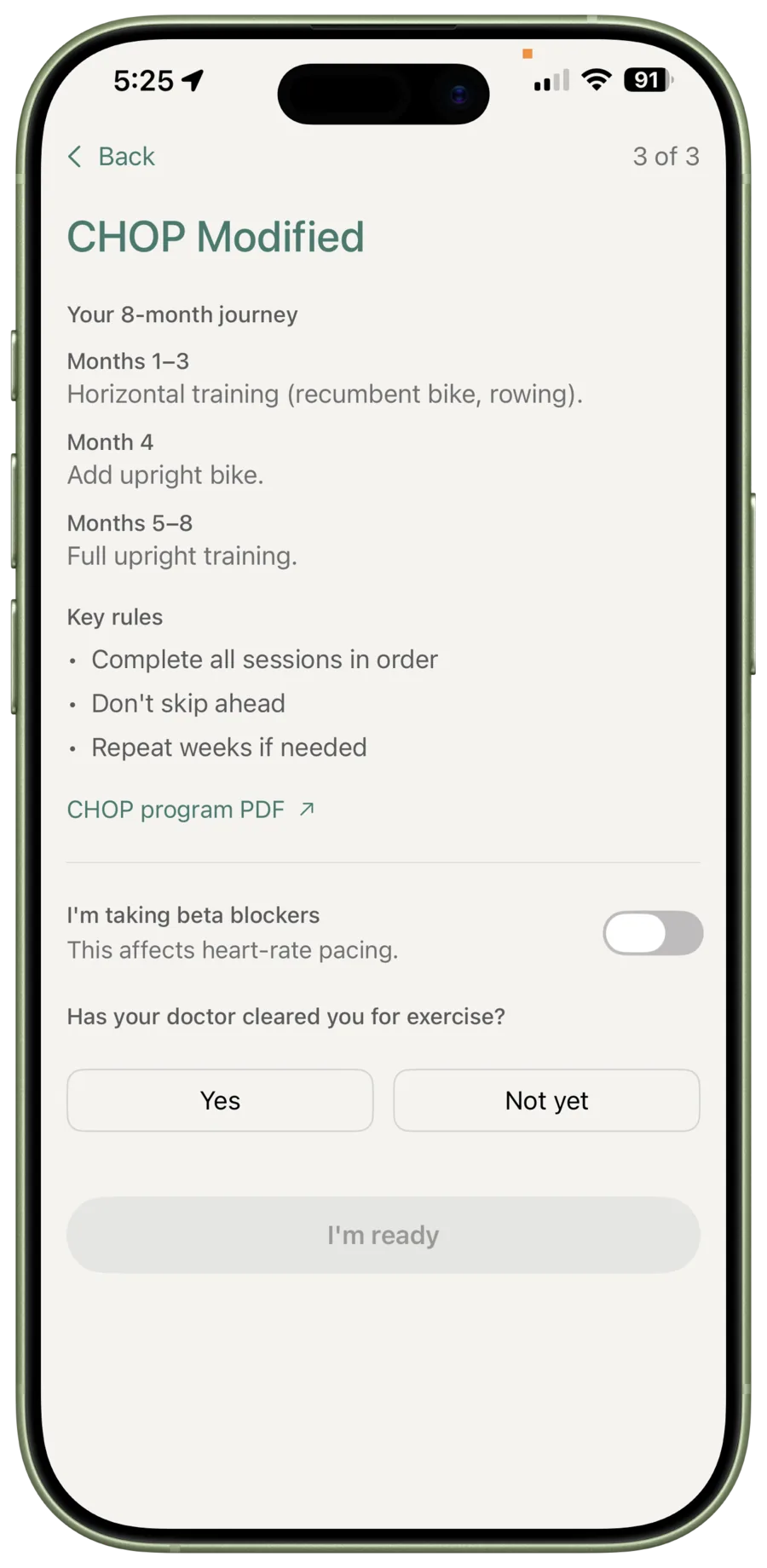
Review the programme summary, answer the questions about beta blockers and exercise clearance, then tap I'm ready. If you are unsure how to answer, speak with your doctor before continuing.
You are ready for the dashboard
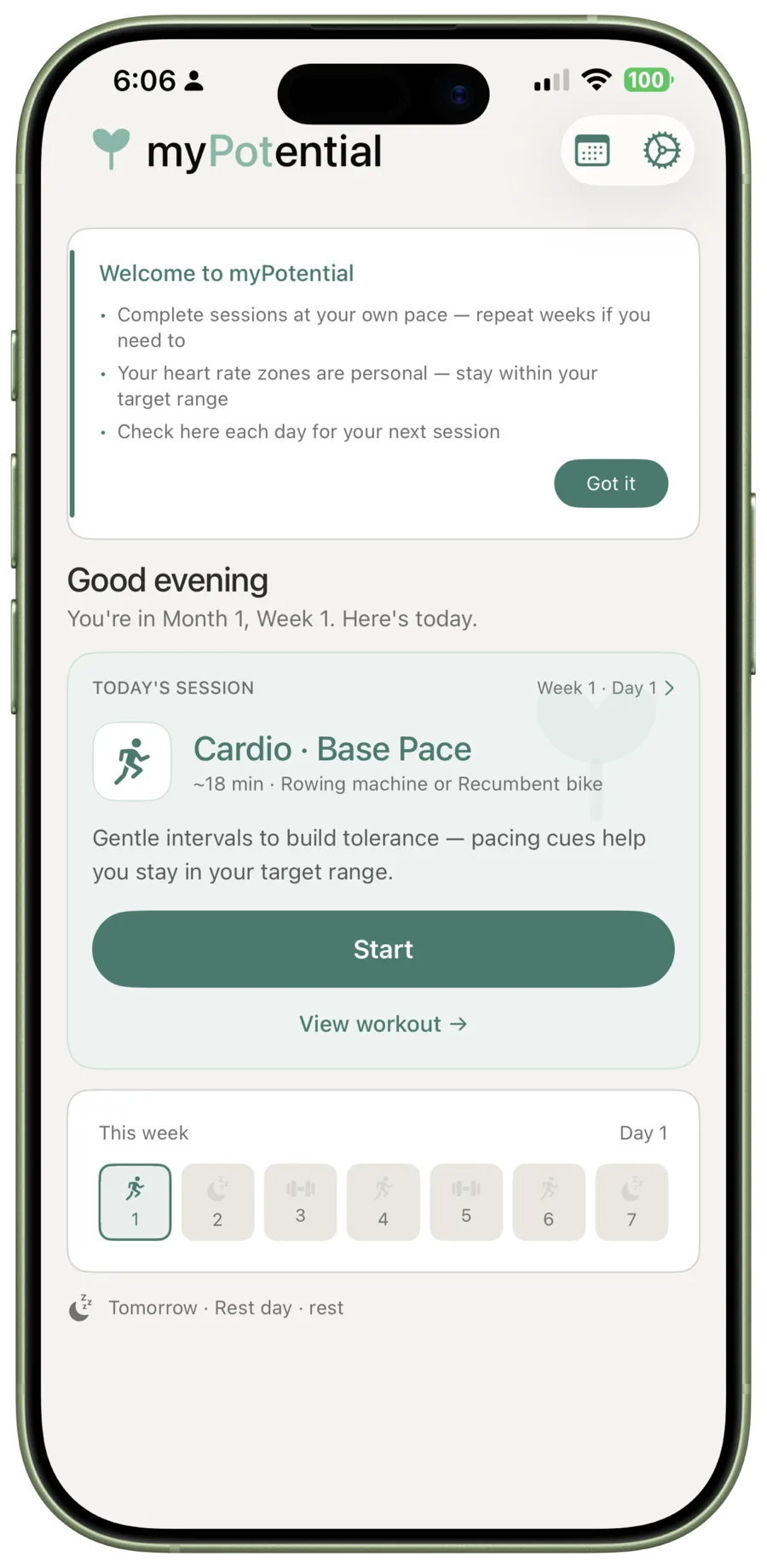
Setup finishes on the dashboard. It shows today's session, the day in your week, and the Start button when you are ready to begin.
Next: start your first cardio session
Continue to Starting your first session for the steps from the dashboard through heart-rate setup, the pre-session check-in, and into your first cardio session.